NuEPOS comes with full warehousing management, capable of managing and approving orders from other stores, customers, or websites.
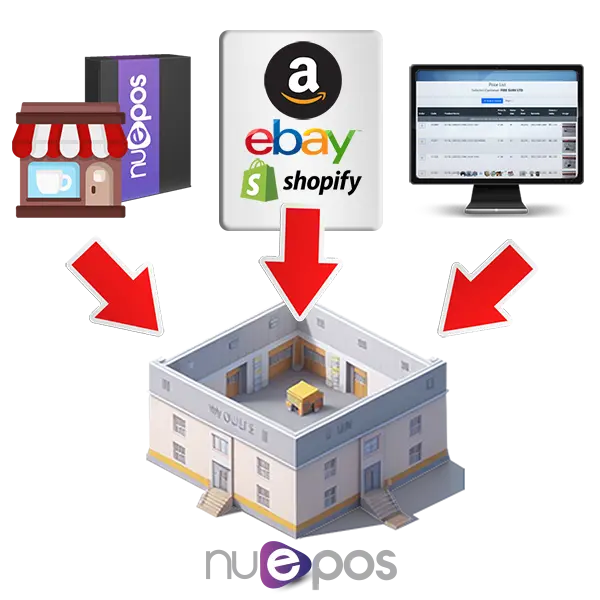
Orders can arrive at the warehouse from another store via a purchase order, from an integrated website, or even allow your customers to use our online portal feature to browse your catalogue of products and place an order.
It can also be configured to only allow an order for products that are available. You can also create orders manually for one store or many stores at the same time in a matrix-style grid.
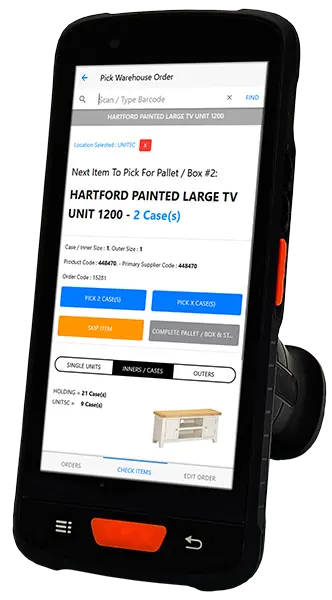
NuEPOS provides the tools to pick from an EPOS terminal, a paper printout, or using our Mobile PDA. Supporting multi-bay locations, NuEPOS can inform the picker which item should be next to pick, what it looks like, and supports picking in units, inners, or outers. You can postpone items to pick for later, and provide notes or serial numbers as you go.
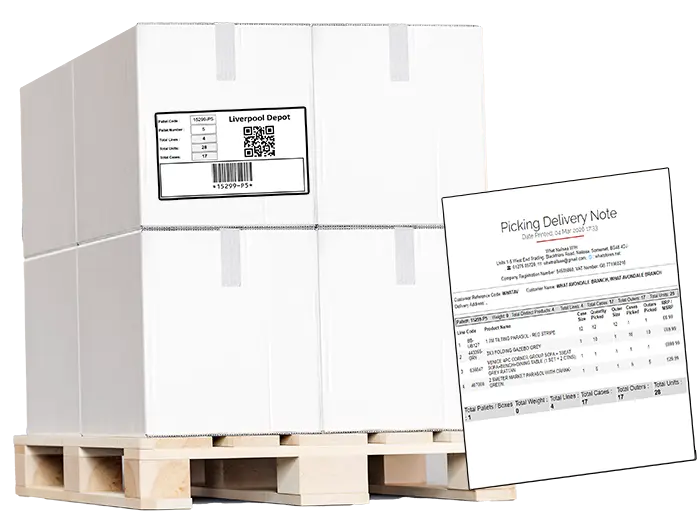
Each order can be quite large, so each pallet or parcel can be tracked during the picking process. Print pallet or delivery labels from the nearest network label printer whilst picking an order. Optionally, merge pallets together if one order is picked by multiple people.
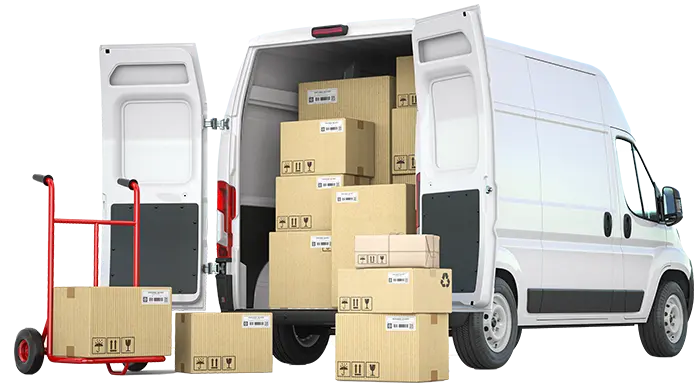
Store details about consignments departing the warehouse, including the driver's signature, photos of the truck or van, or the vehicle's registration.
Print various reports, including showing the driver the locations to visit and which pallets are to be delivered to that location.
Optionally, invoice the order to the customer for the items that were picked, including any miscellaneous costs such as delivery charges.
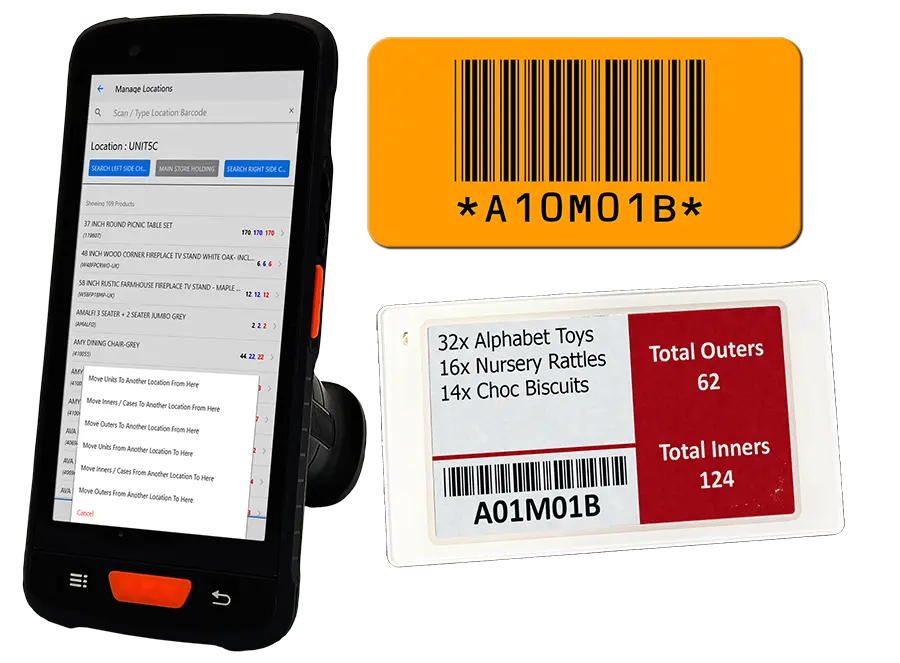
NuEPOS PDA ships with tools for navigating the warehouse and moving stock between multiple locations easily.
Mark bays as un-pickable to prevent ordering of problematic stock.
Print location labels, or optionally use Digital Shelf Edge Labels to show the location's barcode and a summary of the bay's contents in real-time.